Create synthetic shoppers that mirror your real traffic. This allows Shopify sellers and CRO agencies to quickly run A/B tests using synthetic shoppers to identify opportunities to increase revenue.
Step 1: Open the Synthetic Shoppers page
In the Squoosh dashboard, click Synthetic Shoppers in the left menu.
Prerequisite:
Make sure you have already connected the correct GA4 property for your Shopify store in the Install flow.
Step 2: Calibrate
- Click Calibrate
- Choose how many shoppers to generate:
- Quick Test: 100 shoppers (validate your setup)
- Recommended: 1,000 shoppers (default; best for most experiments)
- Maximum Coverage: 10,000 shoppers (highest confidence)
- Click Start Calibration
- Wait for calibration to complete. This can take up to 2 minutes
During calibration, Squoosh learns from your Google Analytics data and creates synthetic AI traffic that mirrors your real visitors across demographics, devices, traffic sources, and funnel behavior.
After calibration completes, you can preview the synthetic shoppers Squoosh generated:
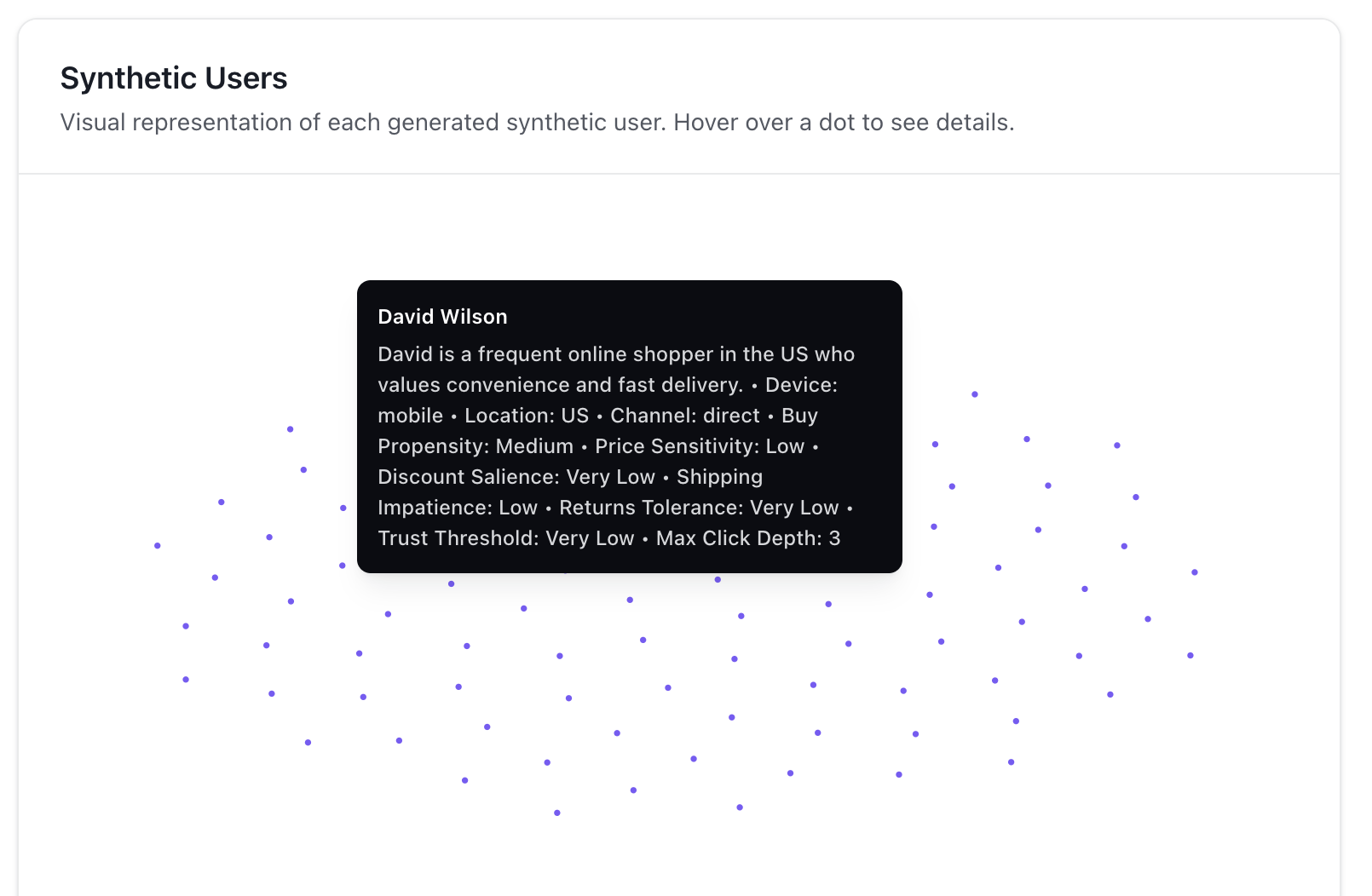 Preview the generated synthetic shoppers (demographics, devices, traffic sources, and funnel behavior).
What calibration does:
Calibration aligns synthetic shoppers to your actual traffic mix and conversion funnel. As more synthetic shoppers are generated, the synthetic conversion rate will converge toward your real conversion rate. You can see this convergence in the calibration chart.
Step 3: Review calibration quality
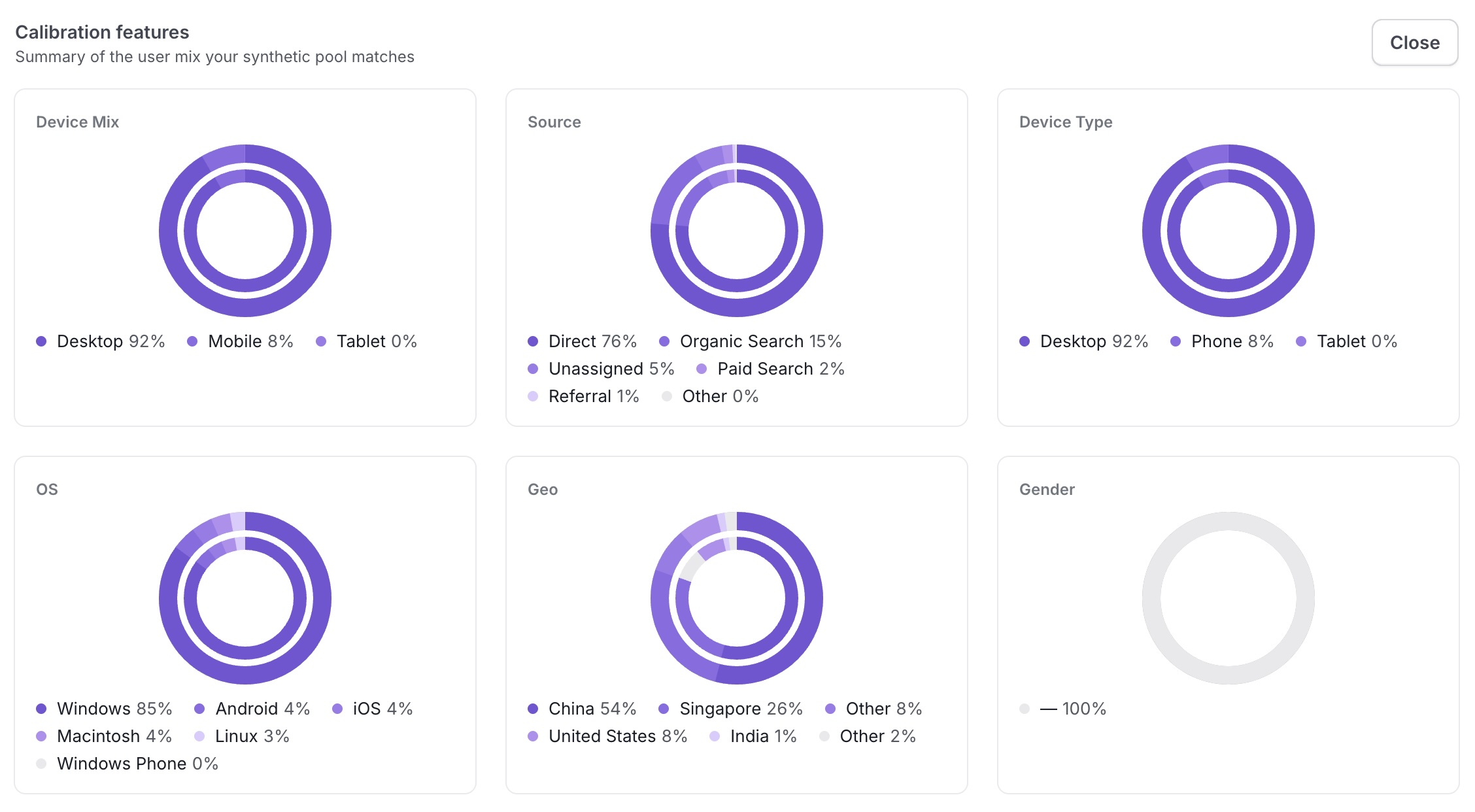
- Click View Calibration Features to see how closely attributes match your real users, including:
- Device mix - mobile vs desktop
- Traffic source - paid, organic, direct, referral
- Funnel behavior - view to add to cart to purchase